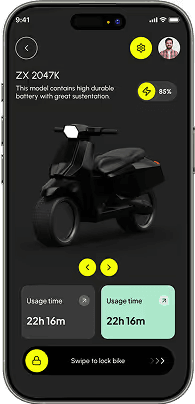

Learn how to tokenize color palettes, spatial grids, and typography scales in Figma to switch between Light and Dark mode instantly.
1
Create Variable Collections (Color, Number, String, Boolean)
Open the Local Variables panel and define separate collections for Primitive Tokens (raw hex values) and Semantic Tokens (alias usage).
PRO TIP:Never apply primitive hex tokens directly to components; always route through semantic aliases like `bg-primary` or `text-[#06ACFE]`.
2
Setup Light & Dark Mode Variable Modes
Add a new mode column for `Dark` alongside `Light`. Map dark background variables to `#090b0e` and light text variables to `#ffffff`.
3
Bind Variables to Component Properties
Assign color tokens to background fills and text layers, and number variables to padding and corner radiuses.
Structured Learning Track
Continue learning UI/UX DesignWant to take these skills further with hands-on projects and 1-on-1 mentorship?
Read Next Tutorial
Next Guide