
The Science of Dark Mode Ergonomics: Avoid Pure #000000
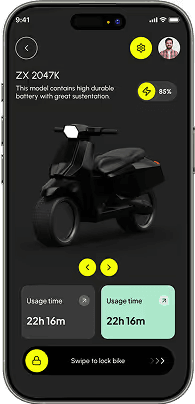
Pure `#000000` pitch black against pure `#FFFFFF` white causes severe halation (glowing blur effect) and optical eye strain during prolonged screen sessions. Industry-standard dark themes use deep charcoal and slate bases (`#090B0E`, `#0D1117`, `#121826`) with 10%–15% tinted blue-gray undertones.

Layered Surface Elevations Over Drop Shadows
In light mode, elevation is communicated through dark drop shadows. In dark mode, shadows are invisible. Instead, elevation is communicated through progressively lighter surface fills (`bg-surface-0: #090B0E`, `bg-surface-1: #121826`, `bg-surface-2: #181D28`) paired with 1px translucent borders (`border-white/10`).

Desaturating Primary Accents & Adding Glow Ambiance
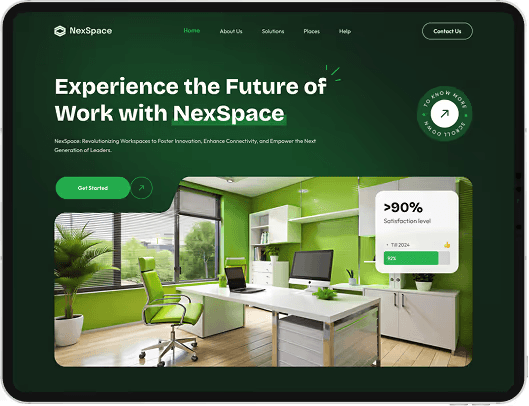
Highly saturated brand colors designed for white paper can cause overwhelming glare against dark backgrounds. Slightly lower accent saturation by 10%–15% and introduce subtle radial background glow effects (`bg-[#06ACFE]/10 blur-3xl`) to establish spatial atmosphere.